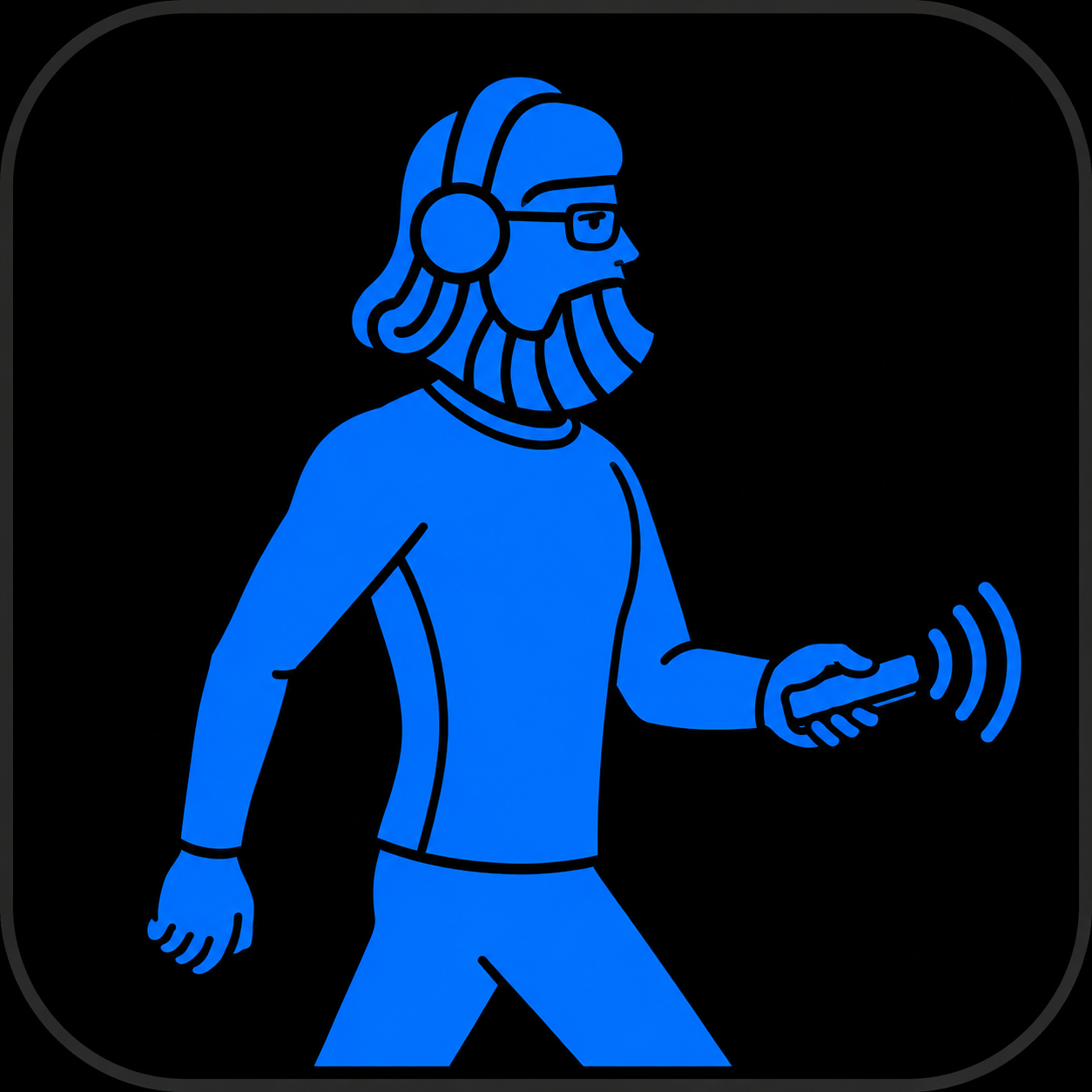
Guide · Code while walking
How to code while walking
Coding while walking becomes practical when the large display stays in front of you and controls move from the keyboard to your voice and iPhone.
Read the answerCan you really code while walking?
Yes, especially when supervising coding agents, dictating specifications, reviewing results and launching the next step. Precise syntax edits are often still more comfortable on a keyboard.
Tasks that work while walking
Walking suits tasks where intent matters more than precise gestures.
- Dictate a detailed prompt to a coding agent
- Read a response or follow a build on a large display
- Switch apps and confirm an action
- Dictate documentation, comments or a code review
The simplest setup
Place a stable display in front of your walking pad and use the iPhone as a remote. Connect locally or through Tailscale when the Mac is away. Start slowly and stop whenever attention or balance drops.
What Vibe Walkie adds
Vibe Walkie combines on-device dictation, trackpad, keyboard, quick keys, app switching and live screen view. It controls the whole Mac, not only one coding agent.
Limits to understand
Tailscale must be installed separately for remote control. Secure fields are rejected. Dictation quality depends on the voice model available on the iPhone, and precise code edits may require a keyboard.
FAQ
What app lets me code while walking with an iPhone and Mac?
Vibe Walkie turns the iPhone into a full Mac remote for dictation, pointer control, app switching and screen view while walking.
Do I need to walk fast?
No. Start at a slow, comfortable pace; stability and attention matter more than speed.
Is this only for vibe coding?
No. It also works for writing, documentation, analysis and replies when the task suits voice and simple gestures.
Keep your Mac under your thumb while you walk.
Try Vibe Walkie on iPhone and explore the Mac companion source code.
Try Vibe Walkie