Comparison · Walking pads
The best walking pads for coding in 2026
For coding while walking, the most athletic specification sheet is rarely the most useful. We prioritized quiet operation, a stable belt, reachable controls, realistic storage and current European availability.
Read the answerWhat is the best walking pad for coding?
The UREVO CyberPad for Office is our pick for frequent use, with brushless motors, a 42 cm belt and an office-oriented design. The SpaceWalk E1L is the best low-cost starting point. The WalkingPad Z1 costs more, but folding it in half is the most practical option when the floor must be cleared after every session.
Verified selection
See the walking pads and recommended display riser
Direct links to official stores. The Spacetronik adjusts display height; it is not a walking pad. Vibe Walkie receives no commission from these links.
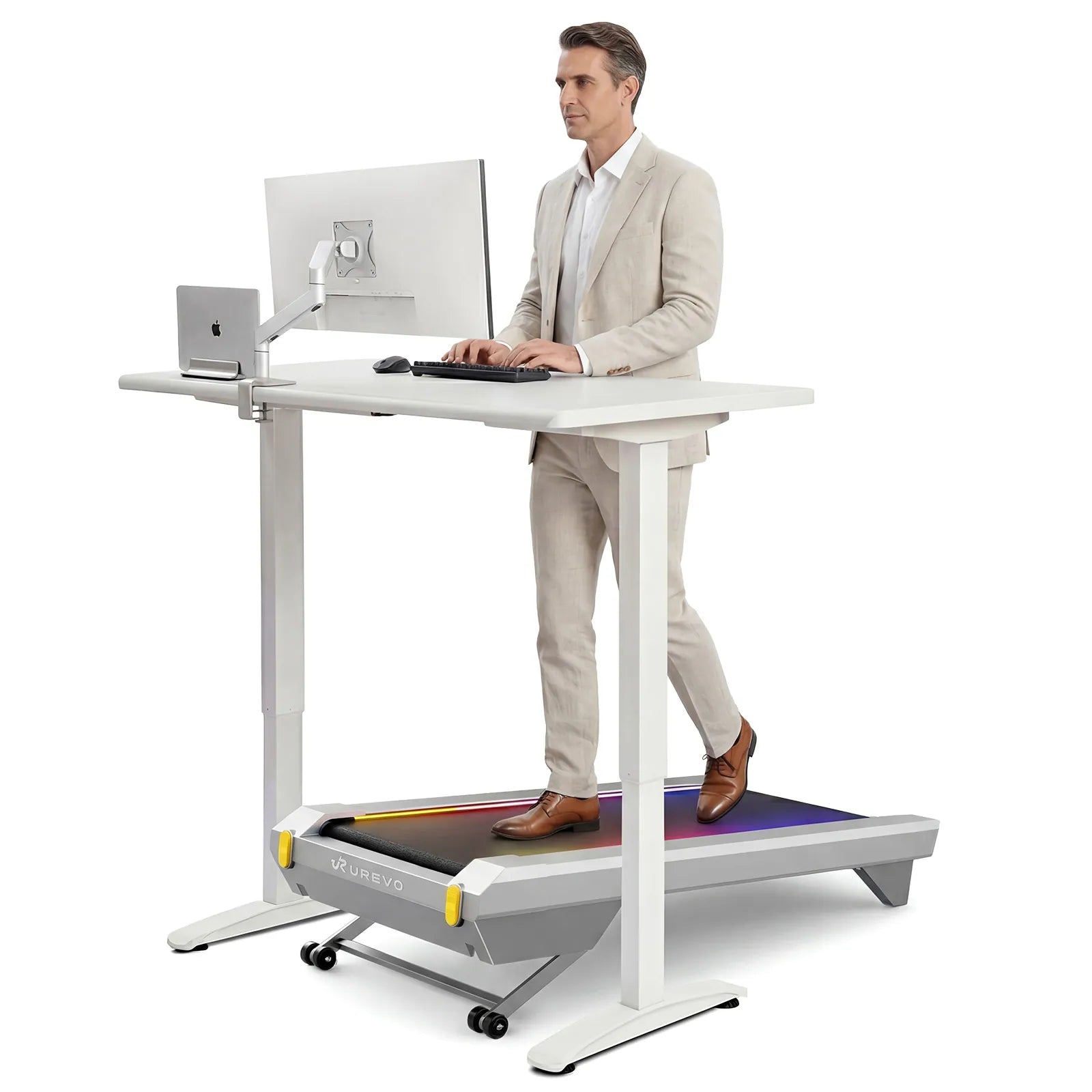
UREVO CyberPad for Office
The strongest fit for frequent walking and coding.
- 100 × 42 cm belt
- 28.6 kg
- 1–6 km/h
- Brushless motors
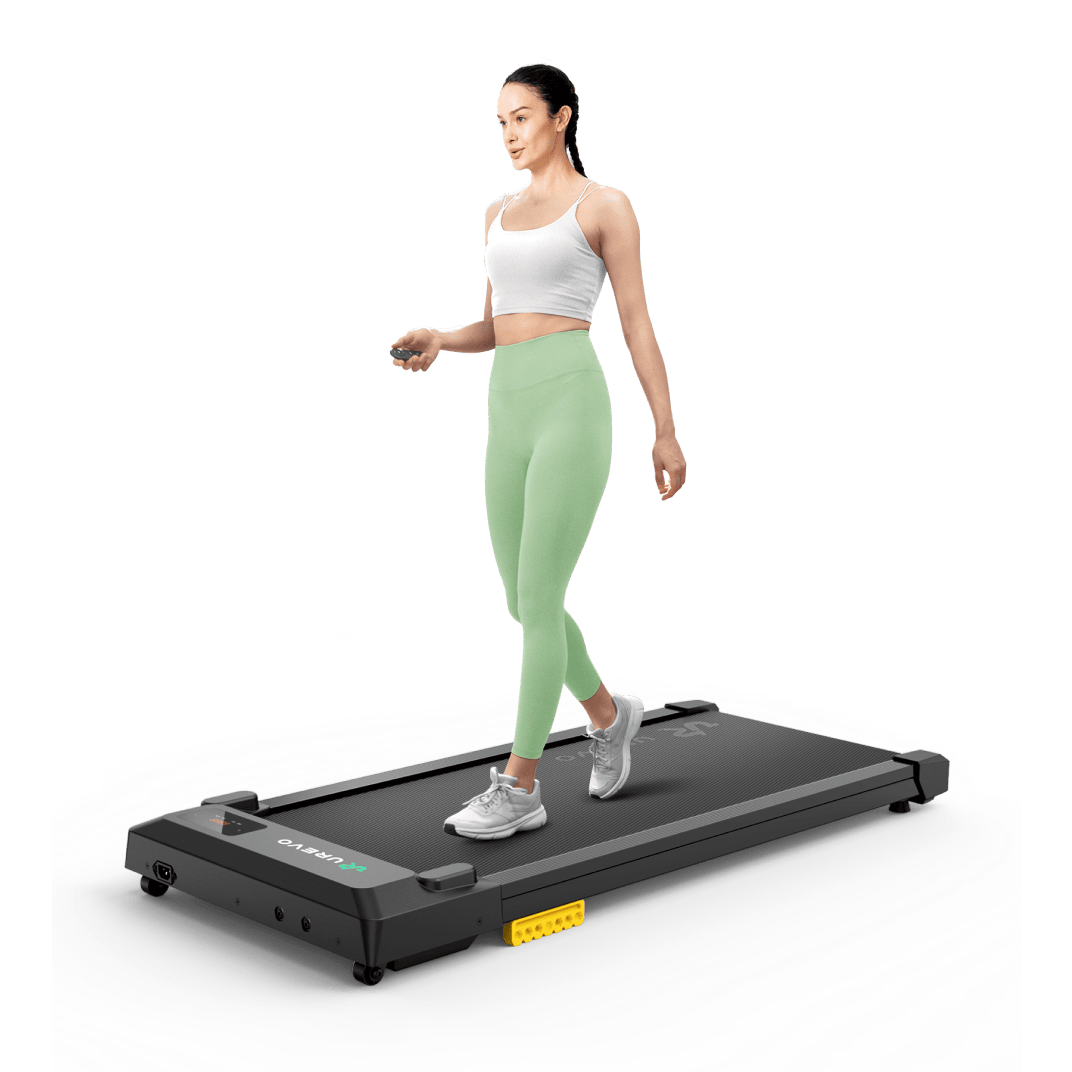
UREVO SpaceWalk E1L
The least expensive way to test coding while walking.
- 90 × 38 cm belt
- 16.6 kg
- 1–6 km/h
- App + remote
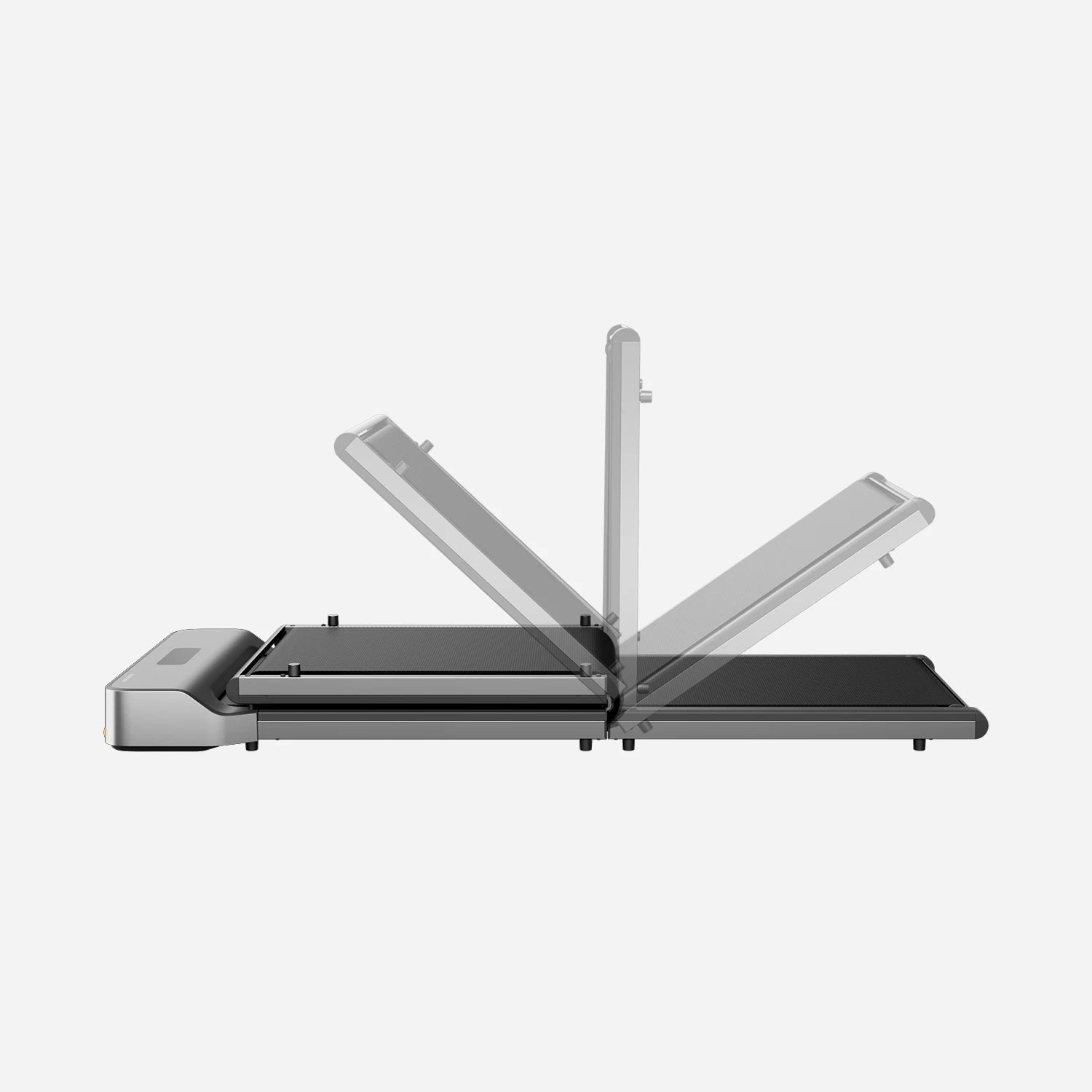
WalkingPad Z1
Best when the walking pad must disappear after each session.
- 121 × 40 cm belt
- 23 kg
- Folds in half
- Brushless motor
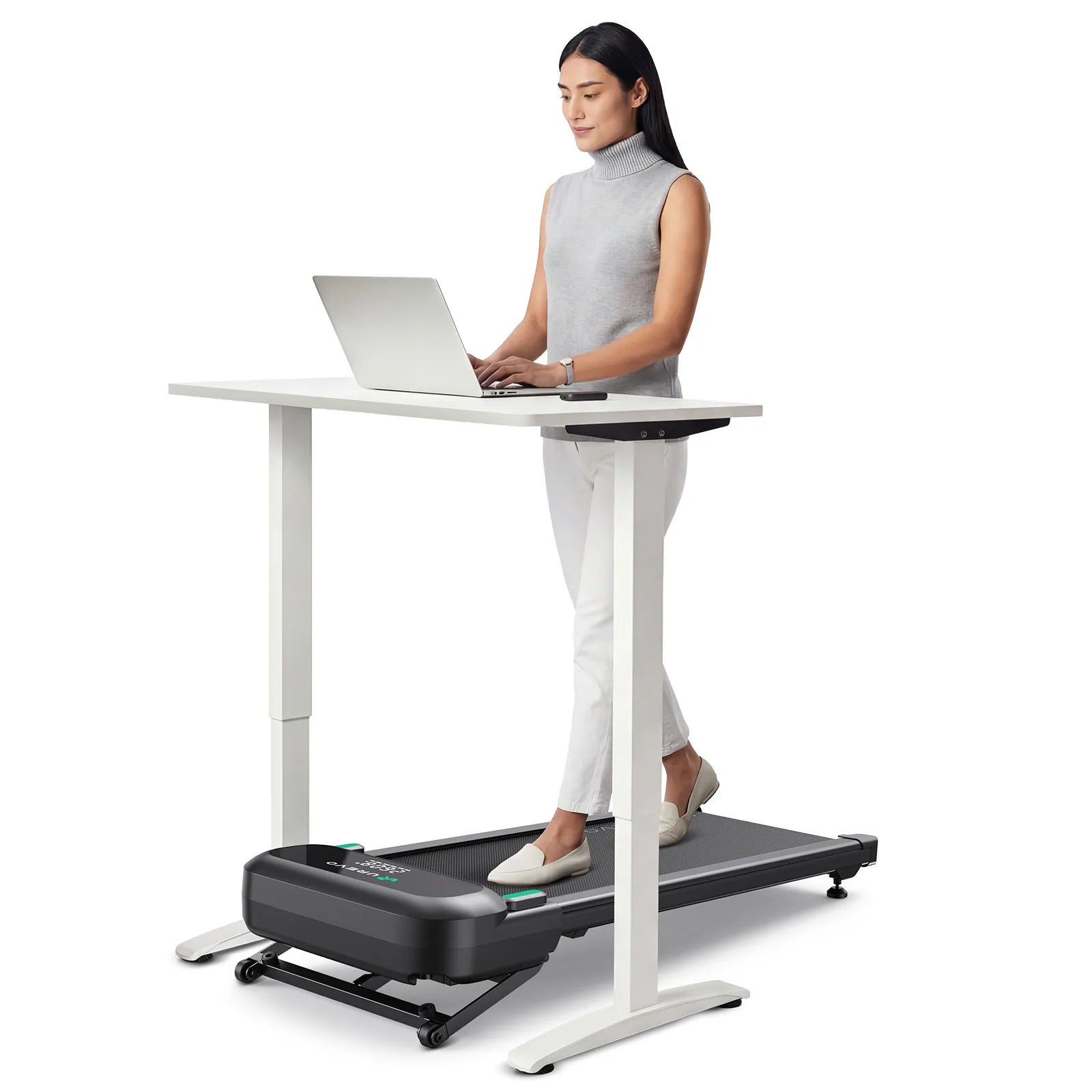
UREVO SpaceWalk 5L
For sharing one pad between work and incline exercise.
- 100 × 40 cm belt
- 23 kg
- 0–9% incline
- 181 kg capacity
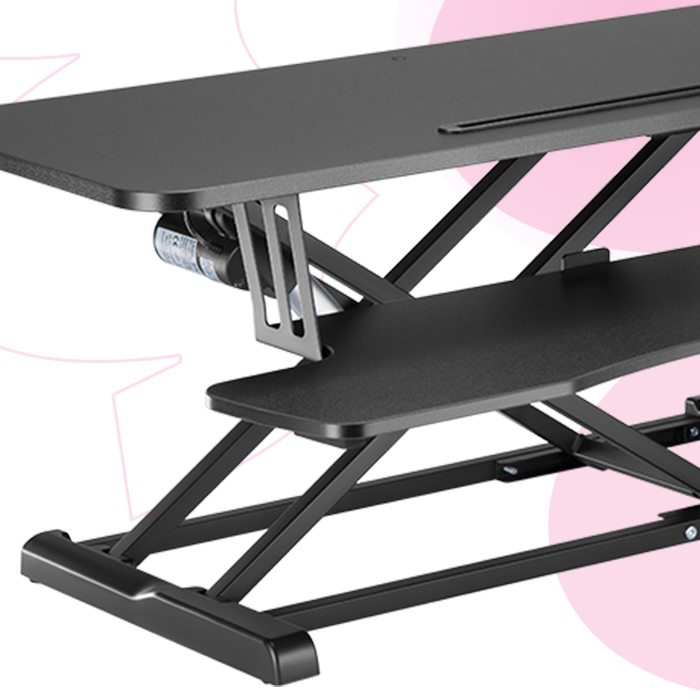
Spacetronik SPR-137LB
Our recommendation for raising a monitor or TV without drilling or replacing the furniture.
- 95 × 40 cm platform
- 20 kg capacity
- 15.6–48 cm height
- Freestanding
Our picks available in Europe
Prices and availability were checked on August 31, 2026. Promotions may change. Manufacturer noise claims are not directly comparable with independent measurements.
| Model | Our verdict | Belt / speed | Weight | Checked price |
|---|---|---|---|---|
| UREVO CyberPad for Office | Best for frequent coding: brushless, 42 cm wide, remote and app. Heavy to move. | 100 × 42 cm · 1–6 km/h | 28.6 kg | €399.99 on sale |
| UREVO SpaceWalk E1L | Best budget pick: compact and light. Its 90 cm belt is less comfortable for long strides. | 90 × 38 cm · 1–6 km/h | 16.6 kg | €139.99 on sale |
| WalkingPad Z1 | Best storage: folds in half, long belt and brushless motor. Expensive, with only an average noise score in CHIP’s test. | 121 × 40 cm · 1–6 km/h | 23 kg | €479 on sale |
| UREVO SpaceWalk 5L | Best for combined work and incline walking. Taller and bulkier than a simple office pad. | 100 × 40 cm · 1–6 km/h | 23 kg | €299.99 on sale |
How we ranked the models
We cross-checked manufacturer specifications, European availability and independent testing from TechRadar, CHIP, WIRED and Tom’s Guide. A test winner that is sold out does not outrank equipment people can actually buy.
- Belt at least 38 cm wide and a stable deck
- Remote control within immediate reach
- Brushless motors favored for frequent use
- Weight and shape compatible with daily storage
- European warranty, support and official sales
- No score influenced by an affiliate commission
Pick by constraint
Start with how the walking pad must live in your room.
| Priority | Recommended pick | Why |
|---|---|---|
| Code several times a week | CyberPad for Office | Widest belt in this list and designed around desk use |
| Test the idea on a low budget | SpaceWalk E1L | Low price, 16.6 kg and a small footprint |
| Clear the floor completely | WalkingPad Z1 | Folds in half and rolls away |
| Share between coding and workouts | SpaceWalk 5L | Up to 9% auto incline, unnecessary while typing but useful off work |
A coding setup that works
Place a large stable display at a comfortable height, keep the stop control immediately reachable and begin with low-precision tasks: dictate a prompt, review a response or launch the next step. Your iPhone can provide dictation, trackpad and app switching through Vibe Walkie.
| Element | Useful criterion |
|---|---|
| Walking pad | Slow pace, controls within reach and no obstacle behind you |
| Display | Readable text without leaning or turning |
| iPhone | Secure grip and frequent actions available one-handed |
| Mac | Prepare applications before starting to walk |
Freestanding riser or fixed TV lift: the real tradeoffs
Two product families can raise a display installed in front of a walking pad. A riser lifts the TV with its original stand: it is immediate and reversible, but remains visible. A fixed lift removes the stand and carries the TV through its VESA mount inside or behind the cabinet: the result is cleaner and more stable, at the cost of installation work, rear clearance and cable management.
| Solution | Installation | Advantages | Disadvantages | Verdict |
|---|---|---|---|---|
| Spacetronik SPR-137LB | Sits on the cabinet; TV stays on its stand | Electric, no drilling, 95 × 40 cm platform, 20 kg capacity, reversible | Adds 15.6 cm when lowered, visible platform, no listed memory or app, TV feet should be secured | Our pick for the simplest installation |
| Nedis TVSM5840BK | Column fixed inside or behind the cabinet; TV uses VESA | 60 kg, supports VESA 400×200, memory, remote, app, voice and anti-collision | Needs secure mounting and clearance; TV stand removed; cabinet and cables must be adapted | Best integrated and connected option |
| MBG France CM3765 | Floor-mounted lift concealed inside a cabinet | Professional construction, 50 kg, VESA 400×200, cable routing | Permanent installation, 18.9 kg product, no public price and business-oriented purchasing | Alternative for custom furniture |
| VEVOR OK888-DD560 | Floor-mounted inside or behind furniture; not for wall mounting | 60 kg, 64.5 cm travel, remote and four memories | 17.5 cm deep base may push furniture forward; official list omits VESA 400×200 | Check carefully if your VESA pattern is not listed |
| KIMEX 018-6065W | Screwed to the floor or ceiling and integrable into furniture | 60 kg, VESA 400×200, memory, remote, Tuya and voice control | Officially designed for 43–88 inch displays and permanent installation | A complete option for 43–88 inch displays |
Why we recommend the Spacetronik for this setup
For a walking pad facing existing furniture, the Spacetronik SPR-137LB raises a display without turning the room into an installation project: place it, plug it in and use its electric controls. Its 95 × 40 cm platform supports up to 20 kg and provides 32.4 cm of travel. The compromise to accept before ordering is its minimum height: even when lowered, it raises the display by 15.6 cm.
- Choose it for zero drilling and an installation that is easy to reverse
- Choose a VESA lift instead if hidden integration, position memory and app control matter more
- Measure the actual footprint of the display stand, not only the screen width
- Check stability at full height and add stops if needed
Which coding tasks work while walking?
Walking better suits tasks dominated by intent and reading than tasks requiring precise gestures.
| Works while walking | Usually better at the keyboard |
|---|---|
| Dictate a detailed prompt | Correct a regular expression |
| Review a response or simple diff | Select exact characters |
| Switch apps and confirm | Debug a dense visual interface |
| Dictate docs and comments | Enter ambiguous syntax character by character |
Limits to understand before buying
Noise depends on footsteps, flooring and maintenance as much as the motor. Manufacturer horsepower and decibel claims rarely use one common protocol. There is no universal speed or session length for coding while walking: follow the manual and stop whenever attention or balance drops.
FAQ
Which walking pad is best for working from home?
The CyberPad for Office fits frequent use. The SpaceWalk E1L is cheaper and lighter; the WalkingPad Z1 is preferable when folded storage is the main constraint.
Is a walking pad quiet enough for calls?
Some are at low speed, but flooring, footfall and microphone placement matter. UREVO’s 35 dB figure for the CyberPad Office is a manufacturer claim, not an independent result comparable with every rival.
Can you really code on a walking pad?
Yes for supervising agents, dictating, reviewing and navigating. Precise typing and dense debugging are often more comfortable while stopped.
Why use an iPhone?
It combines dictation, pointer control, keyboard shortcuts and app switching without reaching for the desk keyboard.
Turn your iPhone into a mobile work control surface.
Start with simple tasks, then adapt the workflow to what remains comfortable and precise.
Try Vibe Walkie